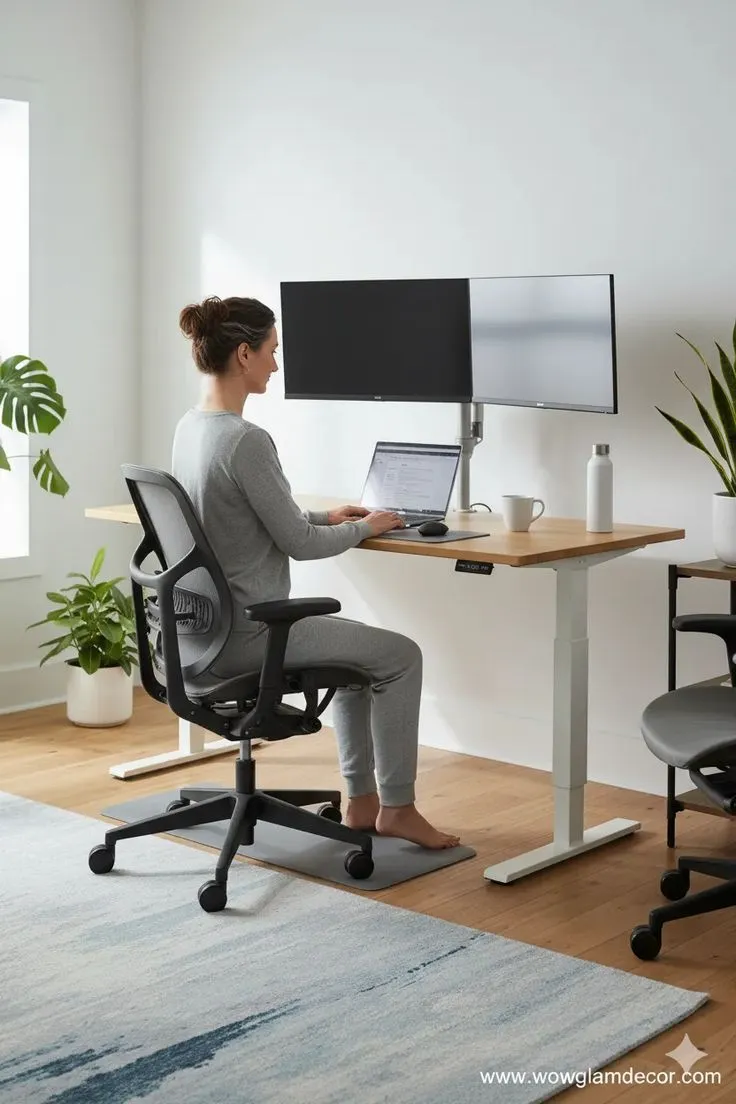
Category 01
Chairs — Seating Baselines
These metrics define whether a chair supports sustained seated work in a home environment.
Seat Height
Gas lift travel should span at least 10 cm to accommodate varied desk heights and user proportions.
Range: 40–55 cm typical
Seat Depth
Adjustable depth or a seat pan allowing 5–8 cm between knee edge and seat front prevents circulation restriction.
Gap: 5–8 cm behind knee
Lumbar Support
Height-adjustable lumbar pad with 15–20 cm vertical range aligns with the natural curve of the lower back.
Adjust: 15–20 cm vertical
Armrest Depth
Width and height adjustable armrests that tuck under the desk surface when not in use reduce shoulder elevation.
Height: 20–30 cm adjust
Category 02
Desk Baselines
Surface dimensions and height adjustability determine how flexibly you can position monitors, keyboards, and reference materials.
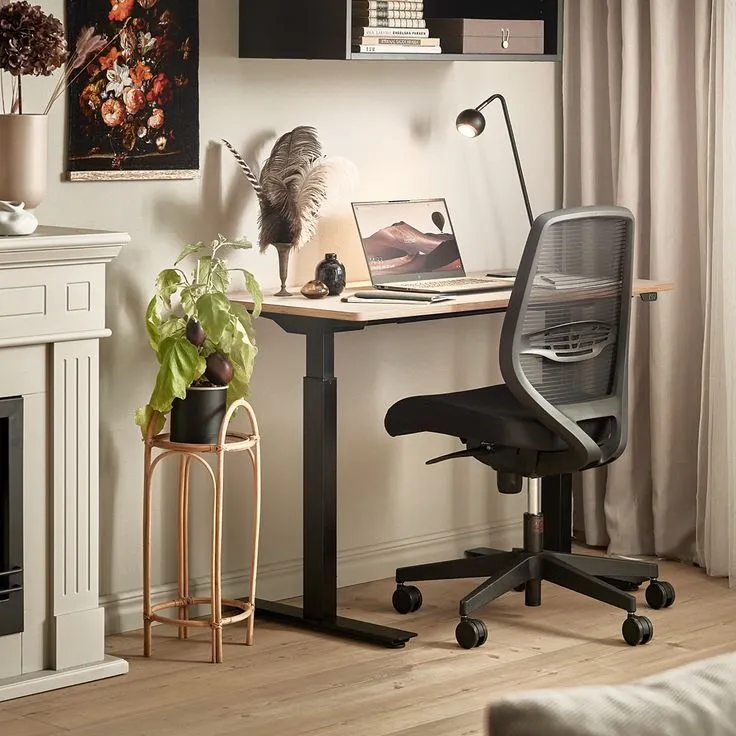
Minimum 60 cm depth provides adequate forearm support and monitor placement depth.
Category 03
Monitor Arms
Mounting hardware should support independent height, tilt, and rotation adjustment for each display.
VESA Compatibility
Verify your monitor supports VESA 75×75 or 100×100 mounting patterns before selecting an arm.
Standard: 100×100 mm
Weight Capacity
Arm rated capacity should exceed monitor weight by at least 20% to maintain stable positioning over time.
Margin: +20% over weight
Reach & Height
Vertical adjustment range of 20 cm or more allows eye-level alignment regardless of seated posture changes.
Vertical: 20+ cm range
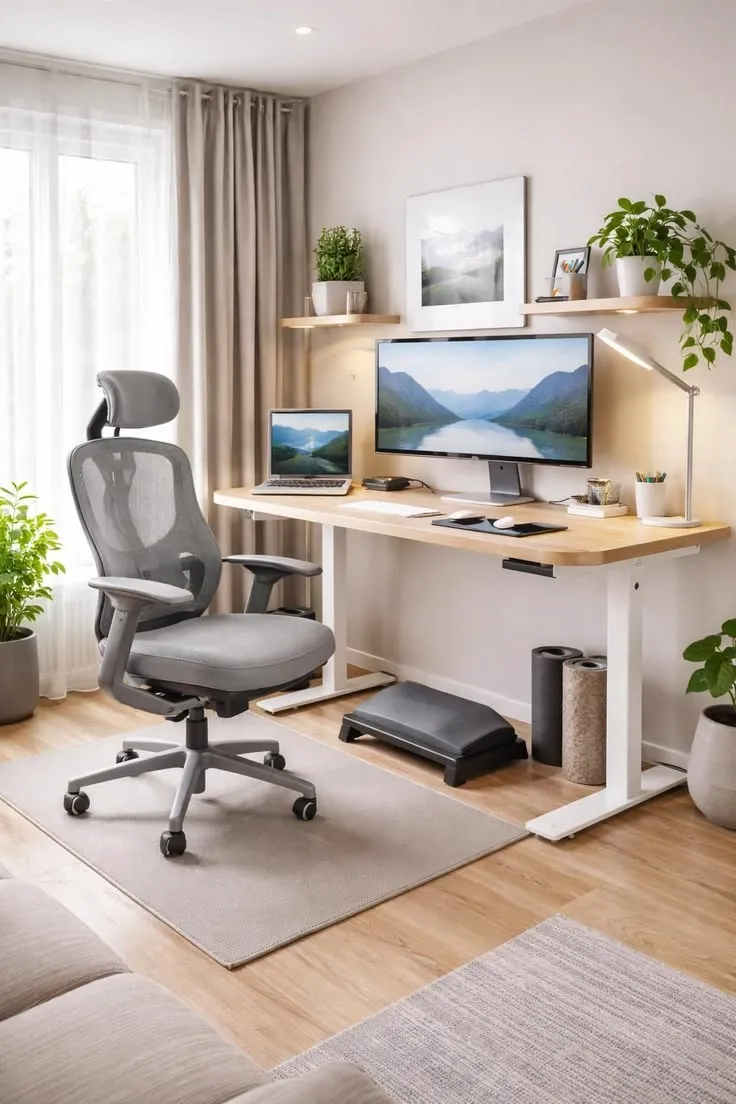
Clamp or grommet mounts preserve desk surface area while enabling full monitor articulation.

Keyboard and mouse at elbow height with neutral wrist alignment supports extended typing sessions.
Category 04
Input Peripherals
Keyboard slope, mouse size, and wrist rest placement affect hand and forearm alignment during daily computer use.
Keyboard Metrics
Low-profile keys with slight negative tilt (front edge higher than back) keep wrists in a neutral position. Position keyboard 5–10 cm from desk edge.
Tilt: 0 to −5° front raised
Mouse Metrics
Select a mouse that fits your hand without finger overhang. Position at the same level as the keyboard with elbow support available.
DPI: 800–1600 for office tasks
Compare Recommended Products
Browse our curated selection of home office gear or use the measurement configurator on the homepage.