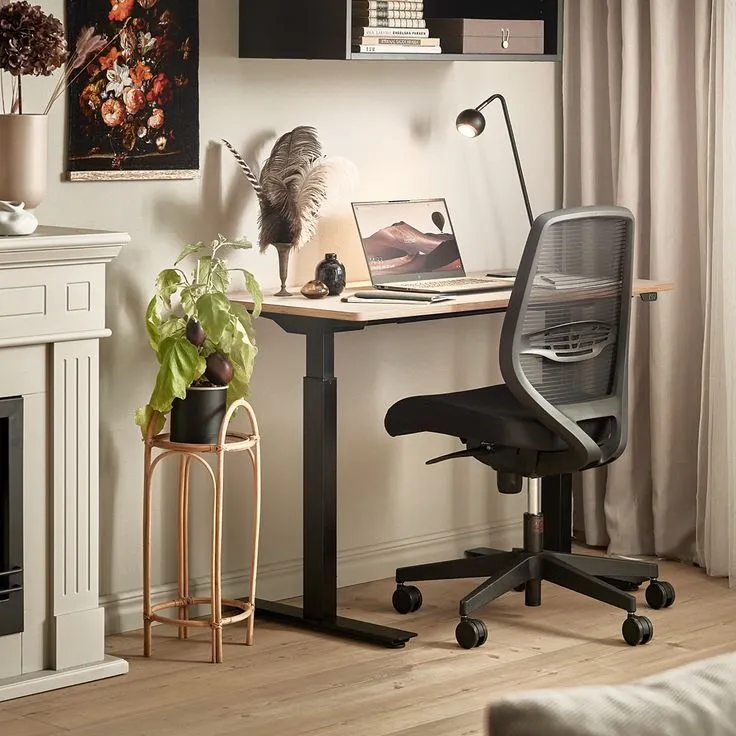
Foundation
Why Spatial Planning Matters at Home
A home office sits inside your living environment. Desk placement, light direction, and walking paths all influence how comfortably you work over extended sessions.
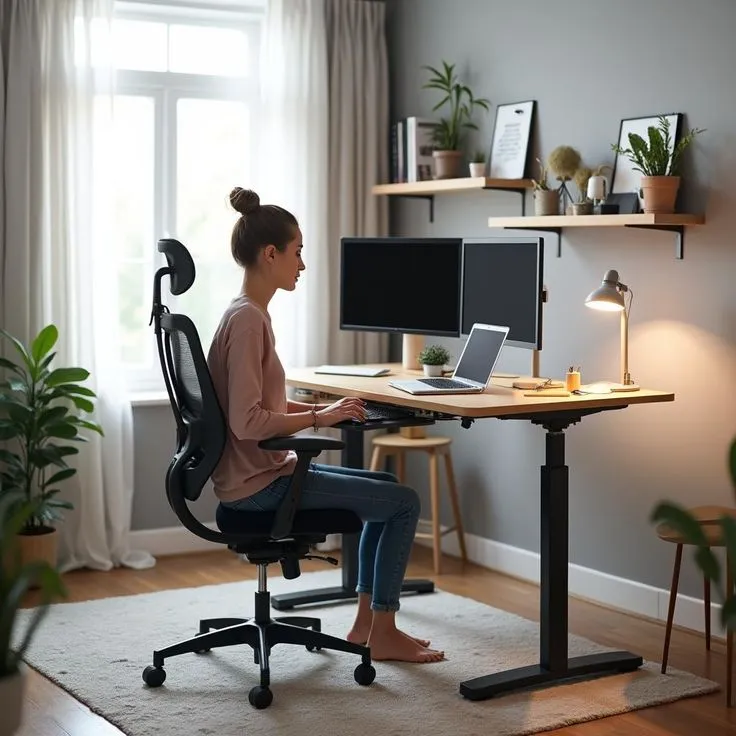
Desk orientation relative to window light reduces screen glare during afternoon hours.
Dimensional Clarity
Every recommendation includes measurable ranges — seat height, monitor distance, and clearance zones expressed in centimetres.
Light Path Awareness
Secondary ambient sources should complement — not compete with — your primary task illumination.
Interactive Tool
Home Office Measurement & Angle Configurator
Enter your body height to generate a tailored furniture adjustment blueprint based on standard ergonomic reference ranges.
Awaiting Input
Enter your height above to view recommended desk, chair, and monitor settings.
Spatial Logic
Desk Angles and Window Glare Patterns
Positioning your desk at a 90-degree offset from direct window light minimises reflective glare on your screen. When that is not possible, a matte screen filter and adjustable blind system provide supplementary control.
Maintain at least 90 cm of clearance behind your chair for comfortable movement through the room without disrupting cables or peripherals.
View Room Planner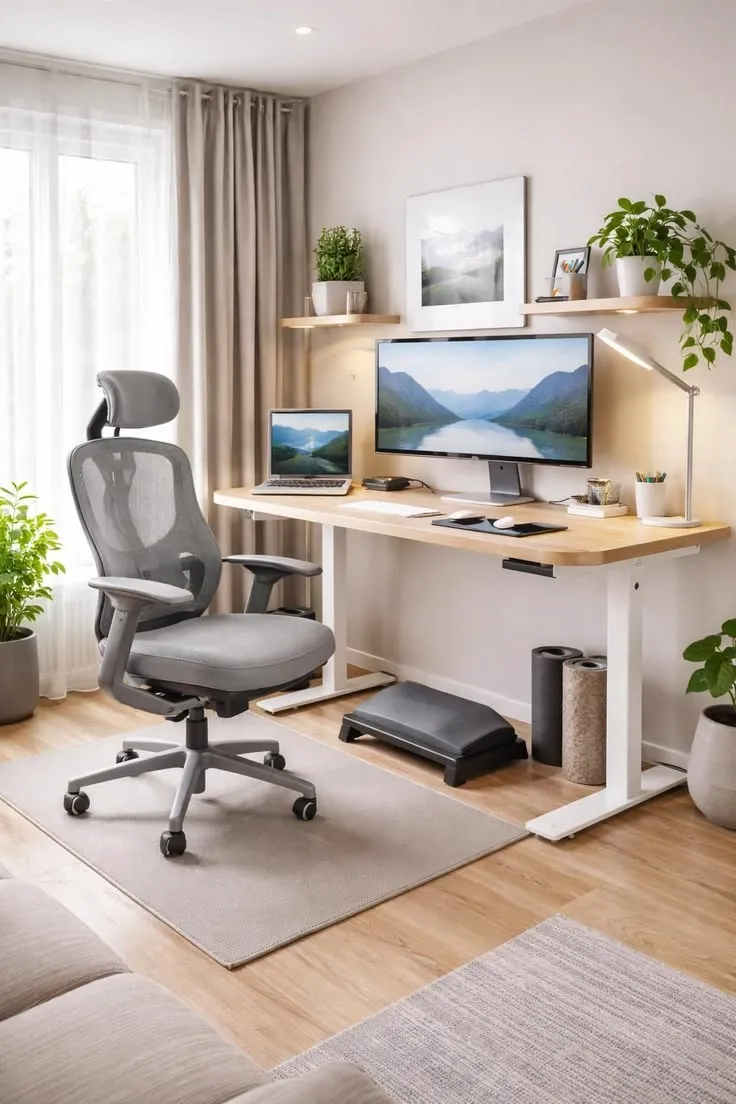
Perpendicular desk placement reduces direct sunlight on the monitor surface.
Hardware Matrix
Evaluate Your Existing Gear
Our gear auditor categorises chairs, desks, monitor arms, and input devices with the adjustment metrics that matter most for daily use.
Seating
Seat depth, lumbar range, and armrest height form the baseline for sustained seated work.
Lumbar: 15–20 cm adjust range
Desk Surface
Surface height and depth determine elbow angle and monitor placement flexibility.
Depth: min. 60 cm clear zone
Input Devices
Keyboard tilt, mouse position, and wrist alignment reduce repetitive strain over time.
Wrist angle: neutral, 0–15°
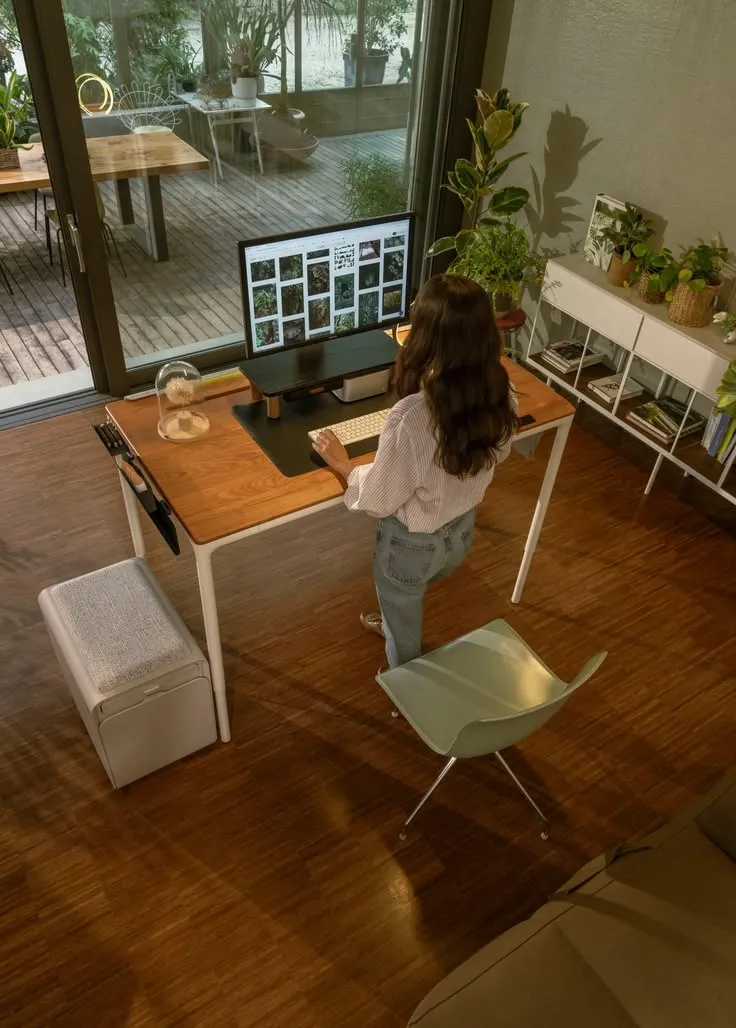
Height-adjustable desks allow alternating between seated and standing postures throughout the day.
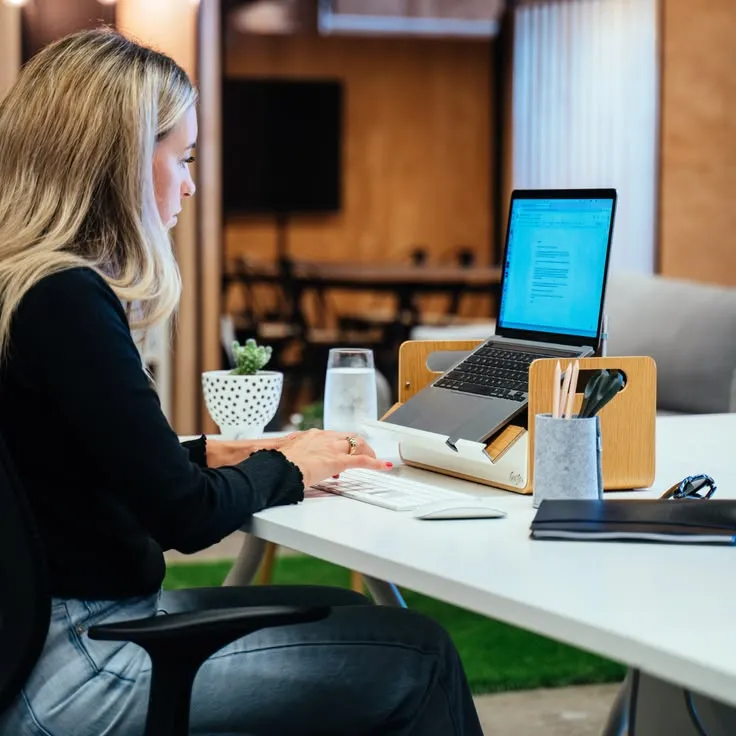
Feet flat on the floor with thighs parallel to the ground supports balanced spinal alignment.
Quick Reference
Daily Setup Checklist
Ready to Map Your Workspace?
Explore our room layout configurator or browse recommended gear to begin structuring your home office setup.